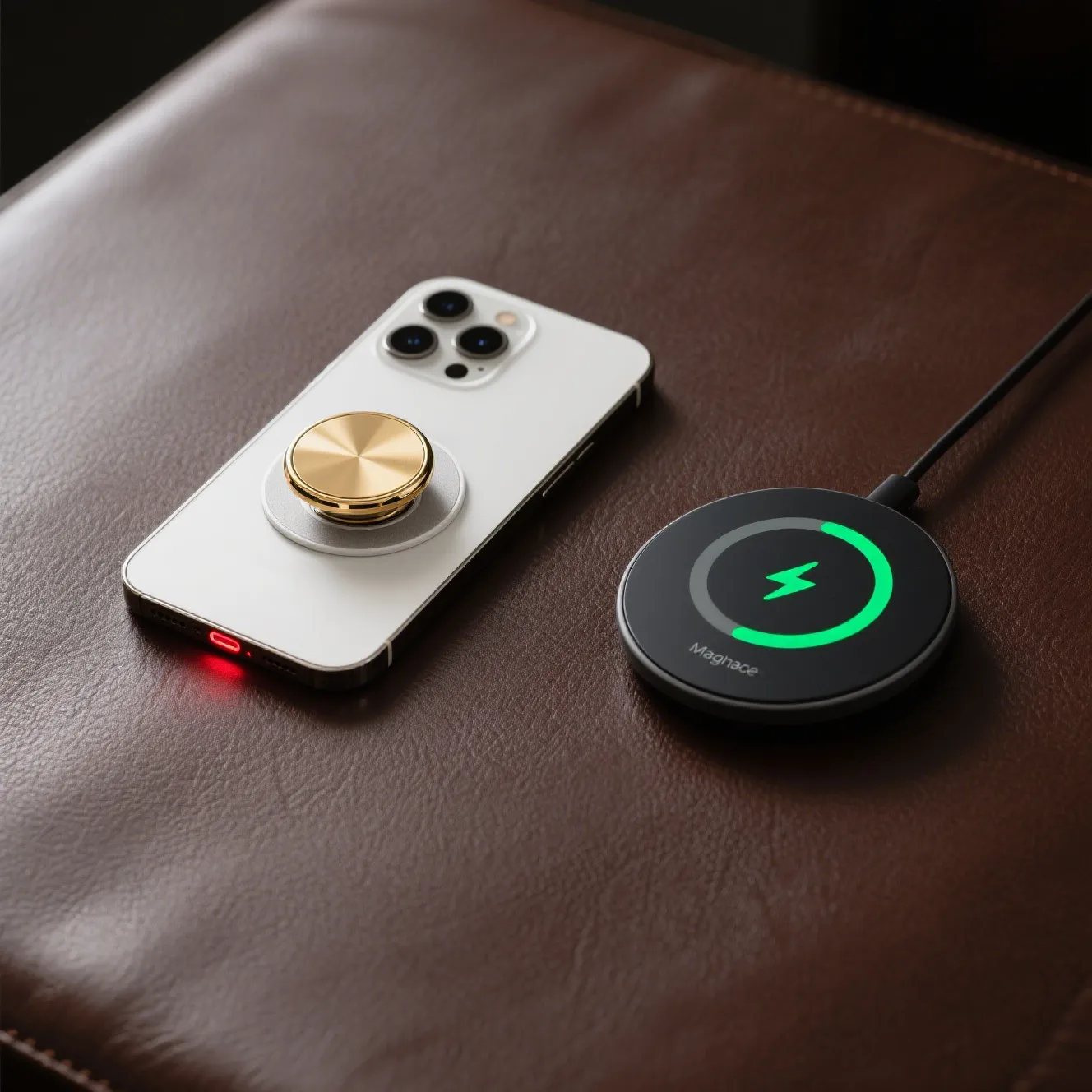
PopSockets and Wireless Charging: The Ultimate 2025 Guide
You love the convenience. Dropping your phone on a pad and watching it power up, no fumbling for cables—it feels like the future. But you also love your PopSocket. That trusty grip makes holding your phone secure, taking selfies a breeze, and propping it up to watch videos effortless. For years, a painful question has lingered for tech lovers: Can you use a PopSocket with wireless charging? Or are you forced to choose between the ultimate convenience and the ultimate grip?
I’m here to tell you that the days of choosing are over.
You’re not alone in this frustration. The struggle is real, and it’s one of the most common questions I hear. You’ve invested in a seamless tech ecosystem, and having to peel your PopSocket off (or worse, take your case off entirely) every single night feels like a step backward. But technology has finally caught up. In this guide, we’ll dive deep into why this problem exists and explore the brilliant solutions that let you have the best of both worlds.
The Core Problem: Why Standard PopSockets Block Wireless Charging
To understand the solution, you first need to understand the problem. It’s not just magic; it’s science. Qi wireless charging, the standard used by virtually all modern smartphones (including iPhones and Androids), works through a process called magnetic induction.
Inside your charging pad, there’s a transmitter coil. Inside your phone, there’s a receiver coil. When you place the phone on the pad, the transmitter creates an oscillating magnetic field, which induces an electrical current in the phone’s receiver coil, charging the battery. For this to work efficiently, the two coils need to be very close together.
A traditional PopSocket introduces two major roadblocks:
-
The Physical Gap: The most common issue is simple distance. A standard, fully collapsed PopSocket still creates a significant gap between the back of your phone and the charging pad. This distance is often too large for the magnetic field to bridge effectively, preventing the charge from initiating or causing it to be frustratingly intermittent.
-
Material Interference: If your PopSocket contains any metal components, it’s a complete non-starter. Metal actively blocks and disrupts the magnetic field required for charging. This is why you should never use a metal-backed case or a metal PopSocket with a wireless charger.
The Solutions: 3 Proven Ways to Make It Work in 2025
Thankfully, the industry has innovated, and you now have several fantastic options to solve this charging dilemma.
Solution 1: Removable Grips (The MagSafe Revolution)
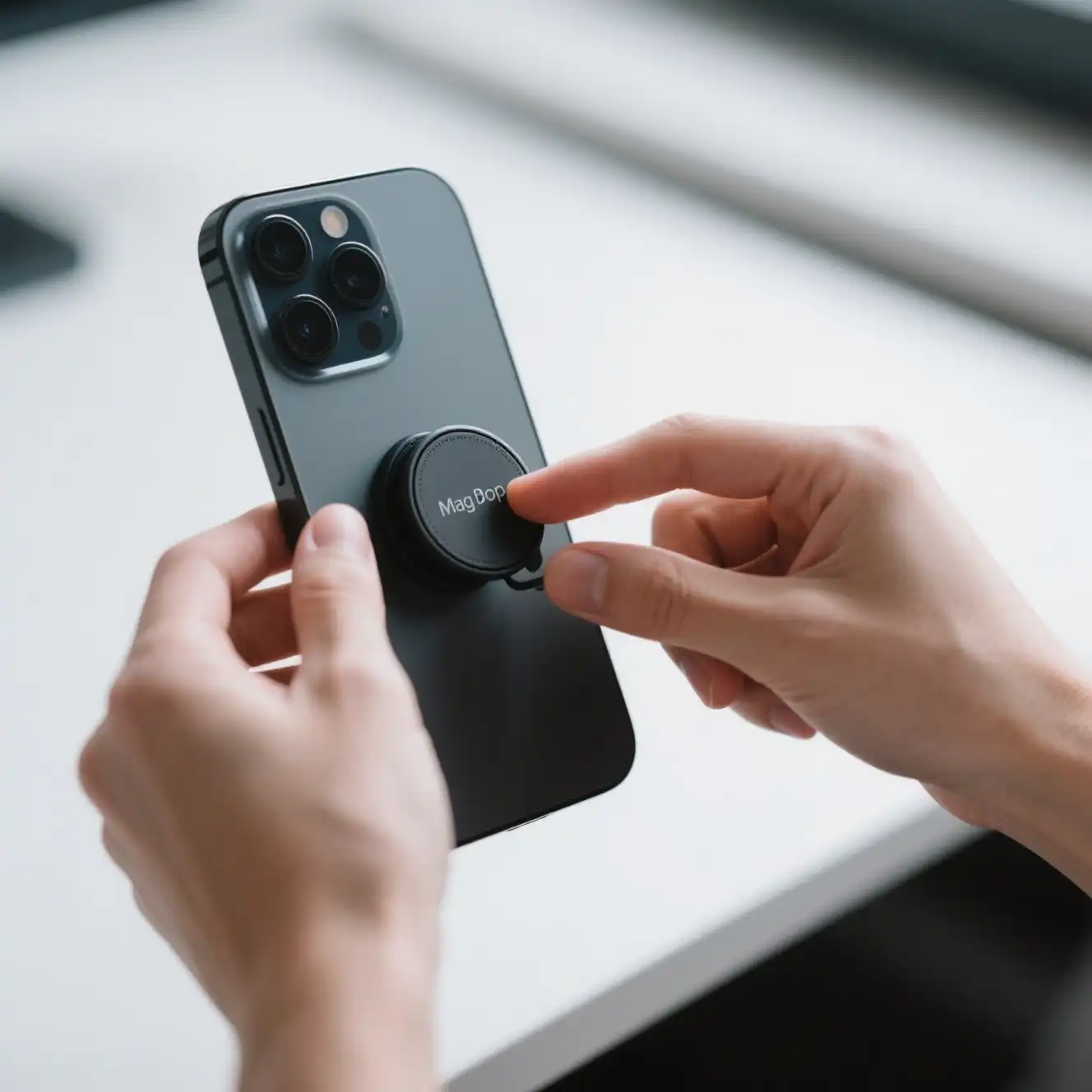
For anyone with a recent iPhone (iPhone 12 or newer), MagSafe technology is the most elegant solution. PopSockets has developed a line of grips specifically for MagSafe. Instead of sticking to your phone with adhesive, these grips snap on firmly with powerful magnets.
How it works: You attach your MagSafe-compatible PopSocket directly to your phone or a MagSafe-compatible case. When it’s time to charge, you simply pop the entire grip off, place your phone on the wireless charger, and then effortlessly snap the grip back on when you’re done.
This is the cleanest and most popular method today because it requires no compromises. You get the full, secure PopSocket experience when you need it and unhindered wireless charging when you don’t.
Solution 2: Swappable PopGrips (The Versatile Choice)
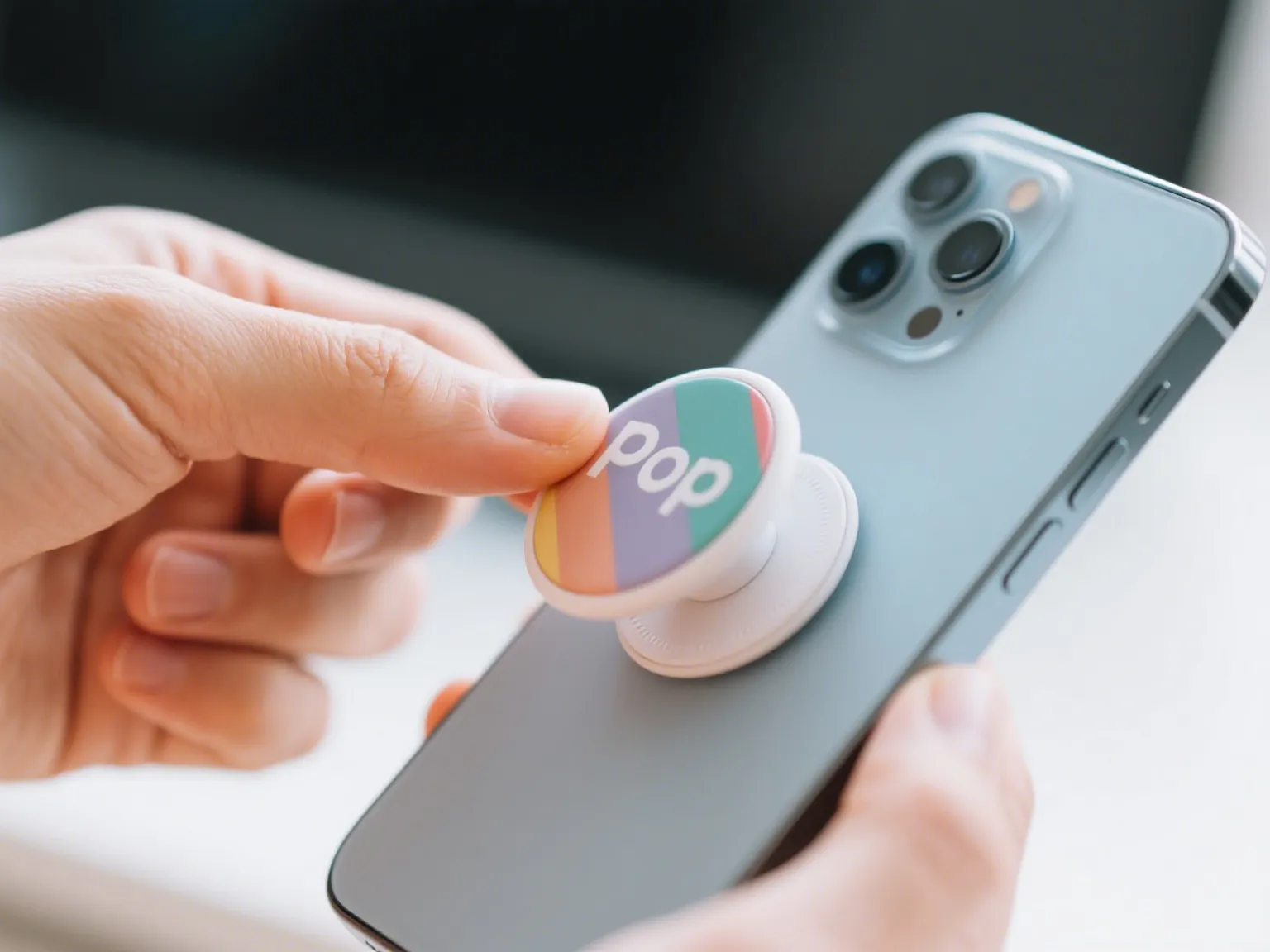
What if you don’t have an iPhone with MagSafe? Don’t worry, there’s a solution for you, too. PopSockets introduced “Swappable PopGrips” several years ago. These feature a clever two-part design: the adhesive base that sticks to your phone and the top part (the “PopTop”) that provides the grip and design.
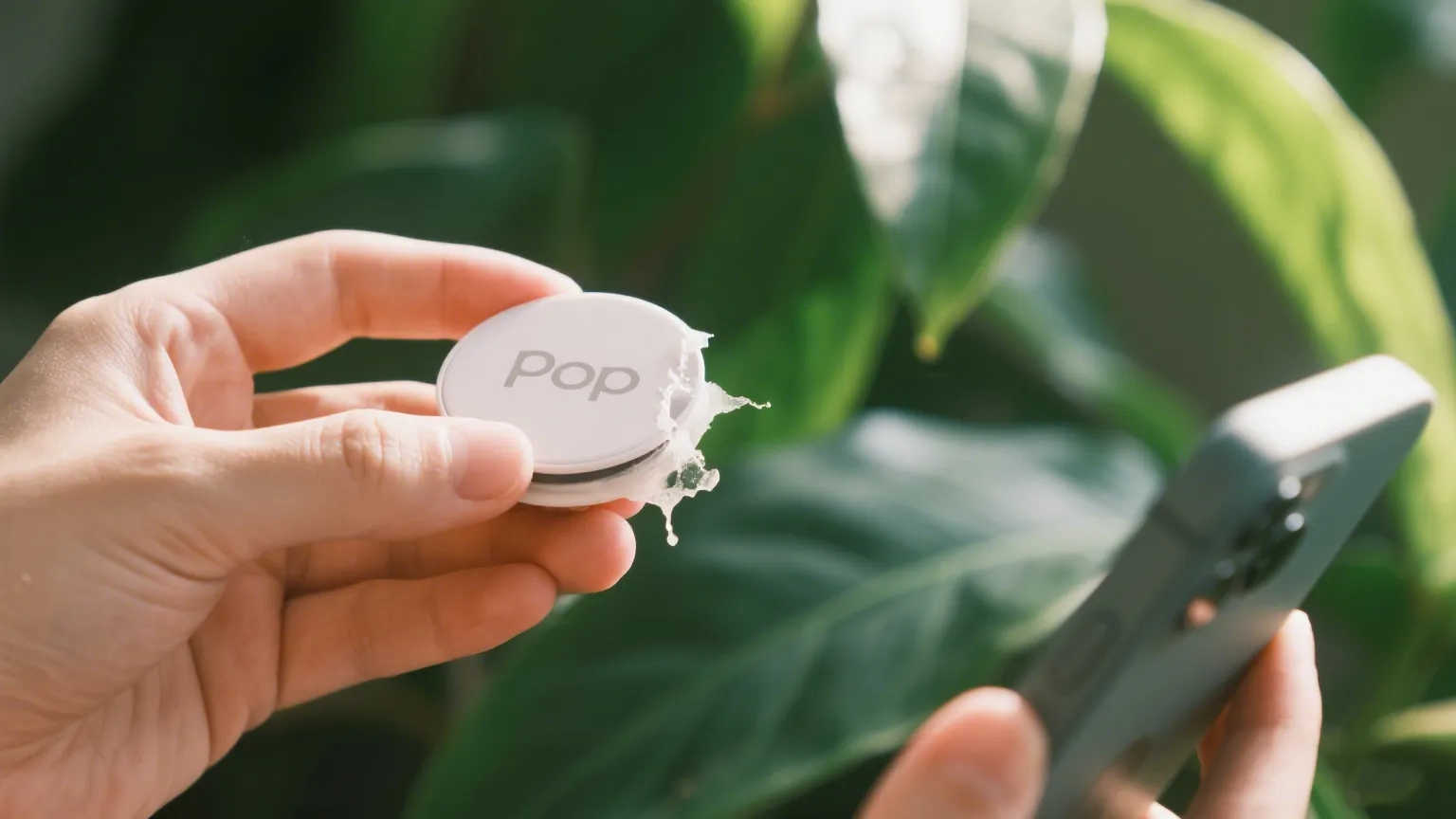
How it works: You can twist and remove just the PopTop, leaving the flat adhesive base on your phone. By removing the bulkiest part of the grip, you reduce the gap between your phone and the charger. For many modern wireless chargers and phone cases, this is enough to allow charging to work perfectly.
This is a fantastic option for Android users or those with older iPhones who want to avoid removing the entire adhesive base every time they need to charge.
Solution 3: Specialized Wireless Chargers (The Power of Design)
If removing any part of your grip sounds like a hassle, there’s a third option: get a charger designed specifically to accommodate it. PopSockets created its own line of wireless chargers, called PopPower, with a brilliant design feature.
How it works: These chargers have a hole or a recessed cavity right in the center—a “donut hole” design. You place your phone on the pad, and the collapsed PopSocket nestles perfectly into the hole. This allows the back of your phone to sit flush against the charging coils around the cavity, initiating a successful charge without you having to remove a thing.
While this means buying a specific charger, it offers the ultimate “set it and forget it” convenience for users who want to keep their PopSocket on 24/7.
Does a Custom Acrylic PopSocket Work with Wireless Charging?
This brings us to the exciting world of personalization. You want a grip that reflects your style, your brand, or a cherished memory. So, how do custom designs, like the beautiful ones you can create online, fit into this equation?
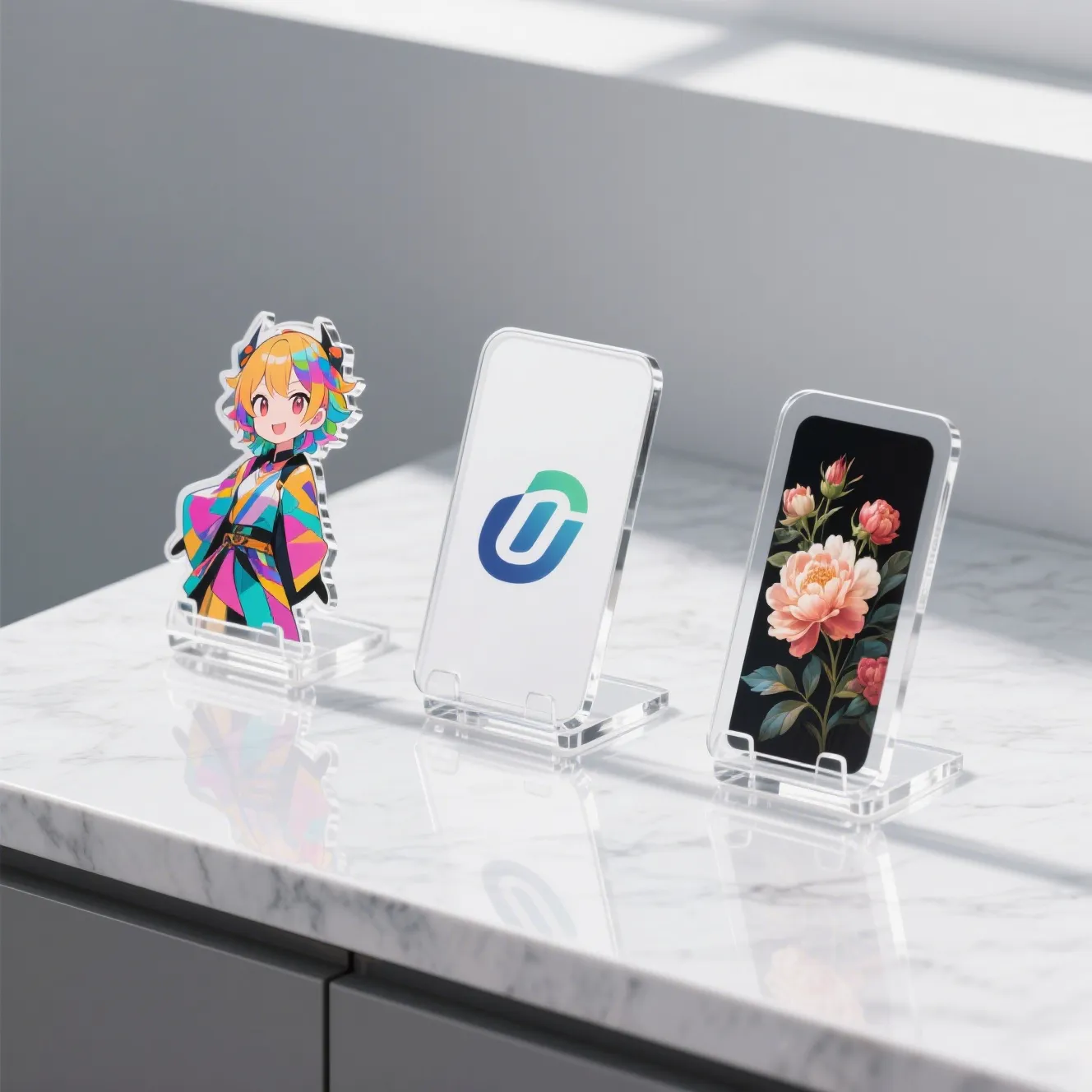
Here’s the great news: the acrylic material itself is perfectly compatible with wireless charging. The custom design, the colors, the photo—none of it will interfere.
The challenge, as we’ve discussed, lies in the base that the custom acrylic top is attached to. When you design a unique piece with a print-on-demand service like Loongwa Print, you are creating that stunning, personalized top. To ensure it works with your wireless charging lifestyle, you simply need to pair it with the right hardware.
You can order your custom acrylic top and attach it to a Swappable PopGrip base or a MagSafe PopGrip base. This gives you the power to create a phone grip that is 100% you, without sacrificing the modern convenience of wireless charging.
Your Phone, Your Style, Your Charge
The conflict between PopSockets and wireless charging is officially a thing of the past. You no longer have to compromise. Whether you choose the seamless magnetic convenience of a MagSafe-compatible grip, the versatility of a Swappable PopTop, or the clever design of a PopPower charger, a solution exists for you.
The power is back in your hands. You can enjoy the security and style of a phone grip while embracing the cable-free future of charging.
Now that you know how to combine functionality with personal flair, why not create a grip that is truly one-of-a-kind? Design your own custom acrylic PopSocket top at Loongwa Print and attach it to a compatible base for the perfect, personalized tech accessory.
Frequently Asked Questions (FAQ)
What if I don’t have a MagSafe iPhone? Can I still use wireless charging with a PopSocket?
Absolutely. Your best option is to use a Swappable PopGrip. By twisting off the top portion, you’ll likely create a thin enough profile for most standard Qi wireless chargers to work. Alternatively, you can purchase a specialized charger like the PopPower with a built-in recess for the grip.
Will any wireless charger work if I just remove the PopTop from a Swappable PopGrip?
It significantly increases your chances, but it’s not guaranteed for every charger on the market. Success can depend on the power of your wireless charger and the thickness of your phone case. However, for most modern, quality chargers, removing the PopTop is sufficient.
Can I use a metal or glitter PopSocket with wireless charging?
You should never use a PopSocket with metal components for wireless charging, even with the PopTop removed, as the base itself may interfere. Most glitter PopSockets are fine, as the glitter is suspended in plastic or epoxy, but always avoid those with actual metal pieces.
Does the placement of the PopSocket on my phone matter for wireless charging?
Yes, it can. The wireless charging coil is typically in the center of the phone. If you place your PopSocket base too high or too low, it might not sit in the sweet spot of a recessed charger, or it could still interfere with coil alignment even with the top removed. Centered placement is usually best for compatibility.