How to Install a PopSocket: 2025 Expert Guide for Secure Grip & Instant Style
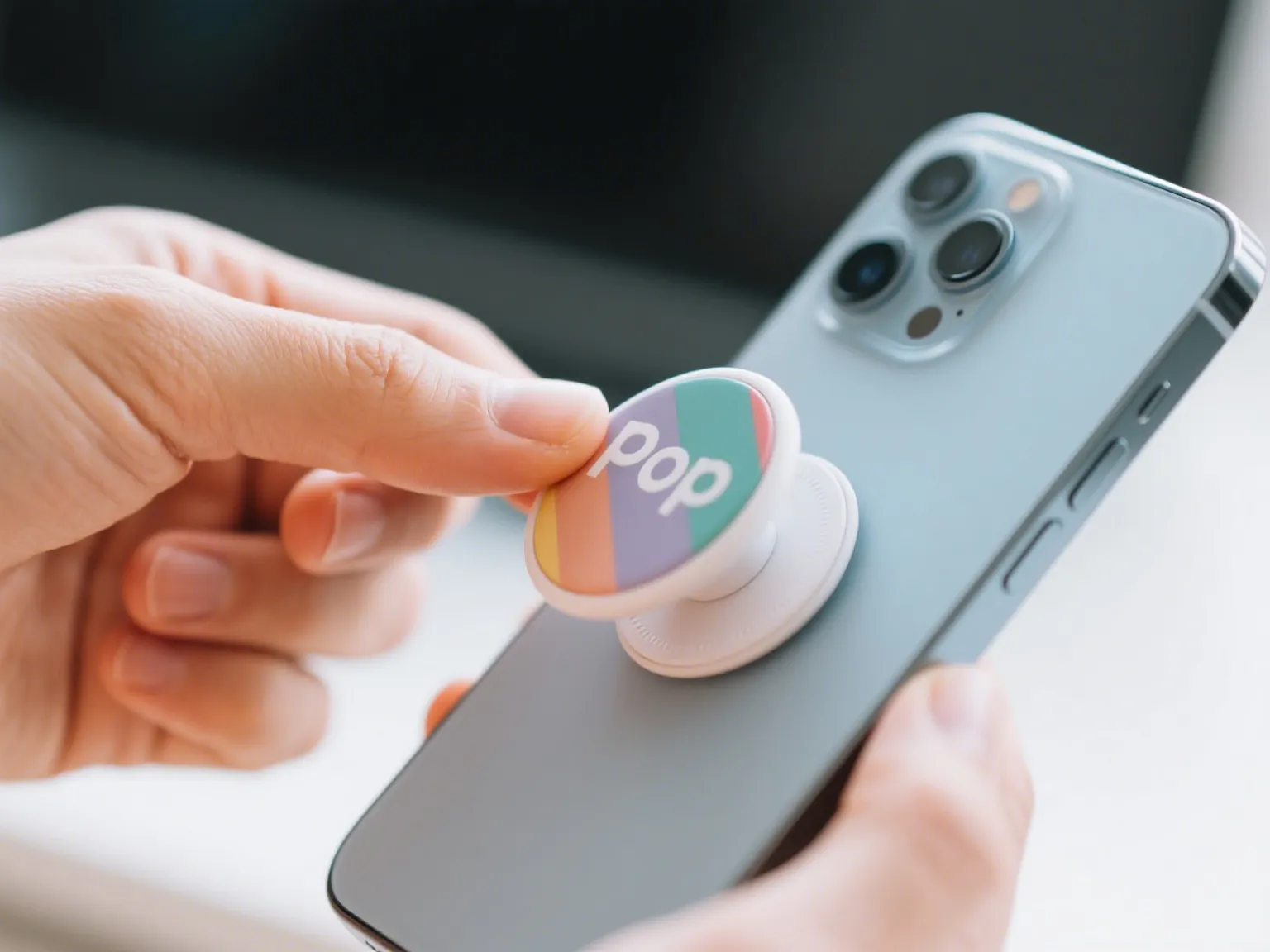
Smartphones have become an extension of who you are. If you want comfort, confidence, and the freedom to express your style, upgrading your mobile with a PopSocket is the trend-savvy move for 2025. But how to install a PopSocket and get the most out of your POD factory supplier purchase? Let me show you—step by step, with all the expert know-how drawn from real user questions and the industry’s hottest trends.
Why PopSockets Are The 2025 Must-Have
Did you know? In just the last three months, global search interest for “how to install a PopSocket” has surged as users look to refresh their device experience with easy customization and safer selfie-taking. The world of phone grips isn’t just about holding your phone—it’s about convenience, protection, and personal branding.
-
New Tech, New Needs: The iPhone 15, latest Samsung and Google models, and even foldables like the Galaxy Z Fold 6 have made MagSafe and adhesive attachments the go-to solutions.
-
Personal Expression: You’re not just adding a grip—you’re snapping on a piece of art, reflecting your personality and lifestyle.
-
Drop Protection: Modern PopSockets reduce drops by up to 40%, according to dropship expert reviews. That’s both peace of mind and phone-life insurance for anyone on the go.
What Is a PopSocket and Why Is Installation So Important?
A PopSocket is a collapsible, attachable grip you stick on your phone or case, making it easier to text, snap selfies, prop up videos, and carry your device effortlessly. With choices from standard adhesive, MagSafe magnetic designs, and new innovative attachment options, the way you install a PopSocket affects your grip, comfort, and even wireless charging.
Trending Styles in 2025
-
MagSafe PopSockets: Designed for seamless snap-on, snap-off action, compatible with iPhone, Samsung, Pixel, and other MagSafe-enabled phones.
-
Adhesive Classics: The tried-and-true sticky-backed PopSockets, still going strong for those who love simplicity or have non-magnetic cases.
-
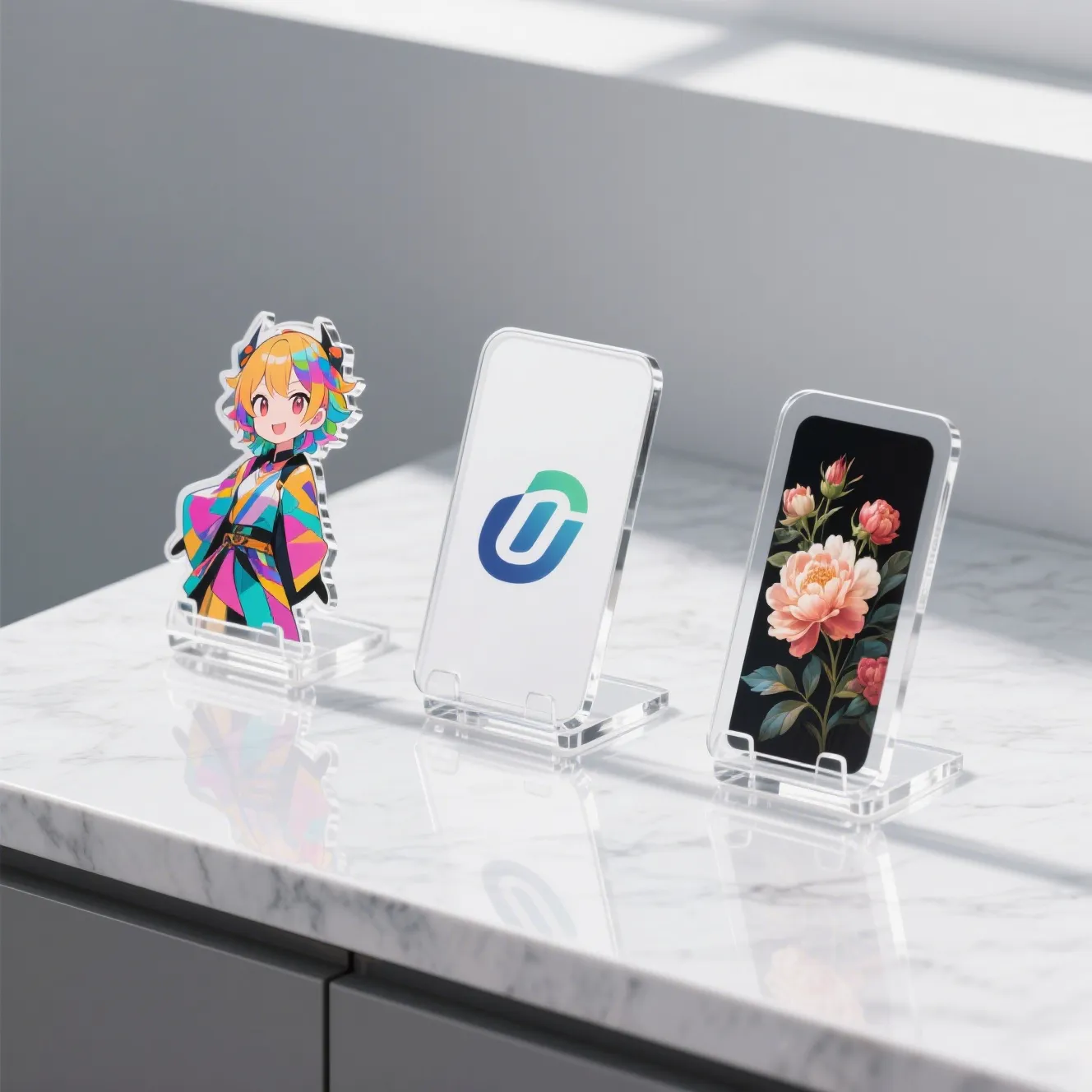
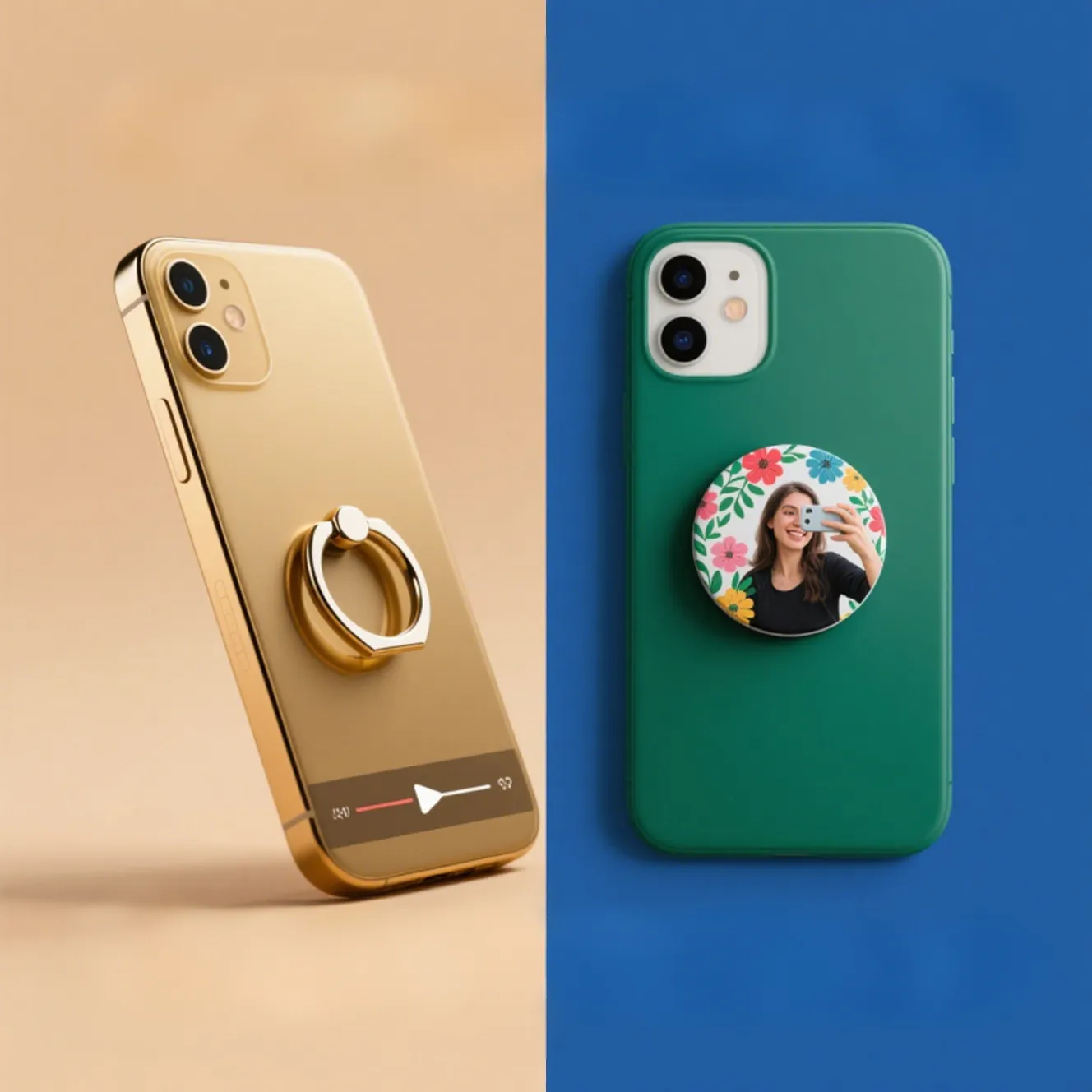
Custom Designs: From Game of Thrones to minimalist UV-protected clear PopSockets, 2025 is all about personalization.
How to Install a PopSocket on Any Phone (Adhesive or MagSafe)—Step-by-Step
1. Clean the Surface
Before you install a PopSocket, ensure your phone or case is clean and dry—dust or moisture will reduce stickiness!
-
Use a lint-free cloth with a little rubbing alcohol.
-
Let it fully dry before proceeding.
2. Find the Perfect Placement
Where you stick your PopSocket affects comfort and functionality.
-
For one-handed texting: Place the PopSocket centered horizontally, but about one-third up from the bottom.
-
For larger screens: A bit higher helps reach the whole display.
-
For video stands: Adjust lower so the angle is stable.
Don’t be afraid to test different placements by loosely holding the PopSocket in place first.
3. Installing an Adhesive PopSocket
-
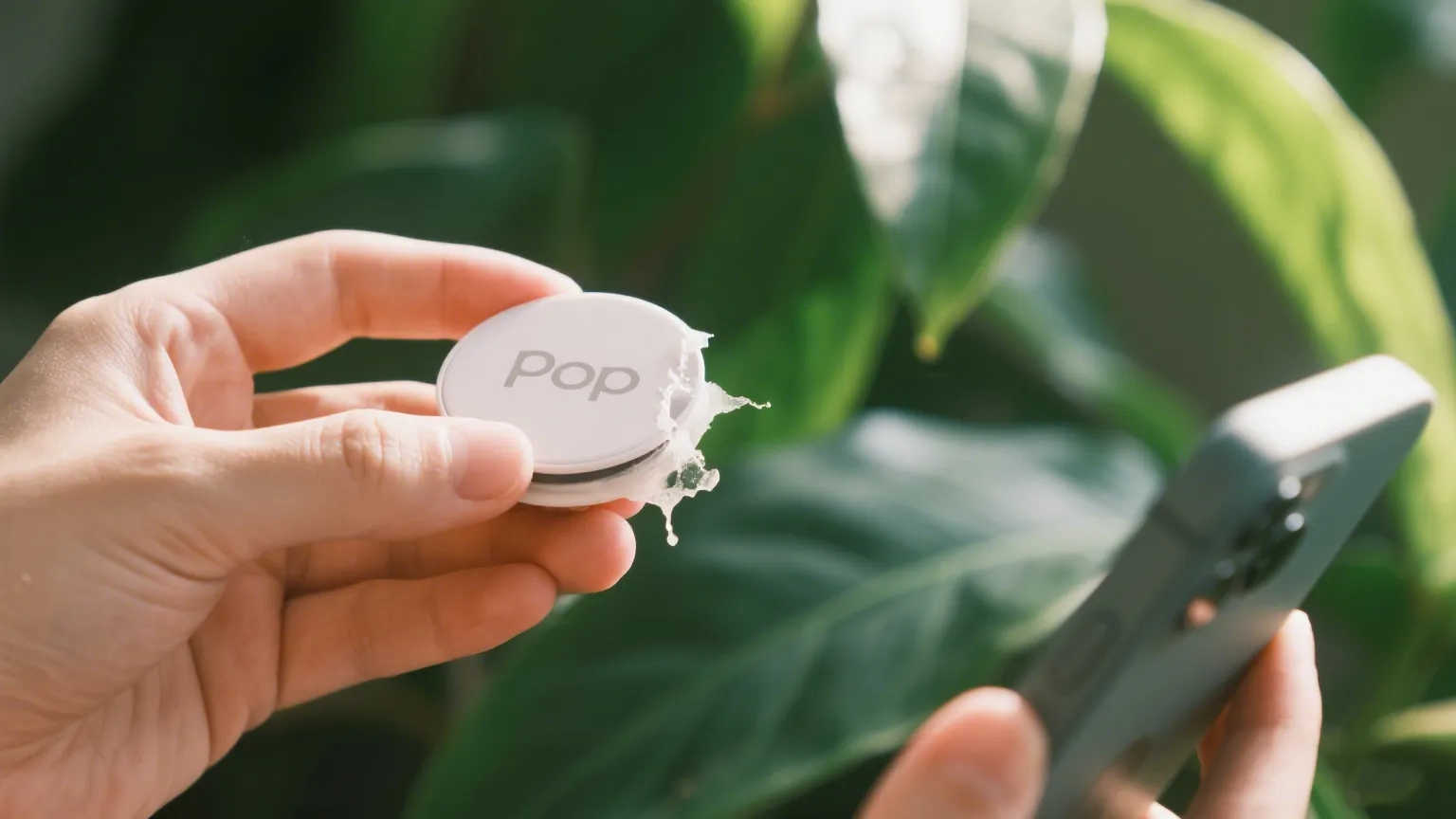
Peel off the backing: Expose the sticky gel.
-
Align carefully: Once it touches the device, the bond forms fast.
-
Press firmly: Hold down for 10–30 seconds. Strong pressure ensures the best adhesion.
-
Wait before use: Give it at least an hour before extending or using your PopSocket aggressively.
“Your new PopSocket is on there—I’m pulling pretty hard, and the case is flexing before the PopSocket comes off.” (User test testimonial)
4. Installing a MagSafe PopSocket
-
Snap onto the MagSafe area: Directly on MagSafe-compatible cases or devices.
-
Adjust as needed: MagSafe Popsockets can slide to your perfect angle before locking in.
-
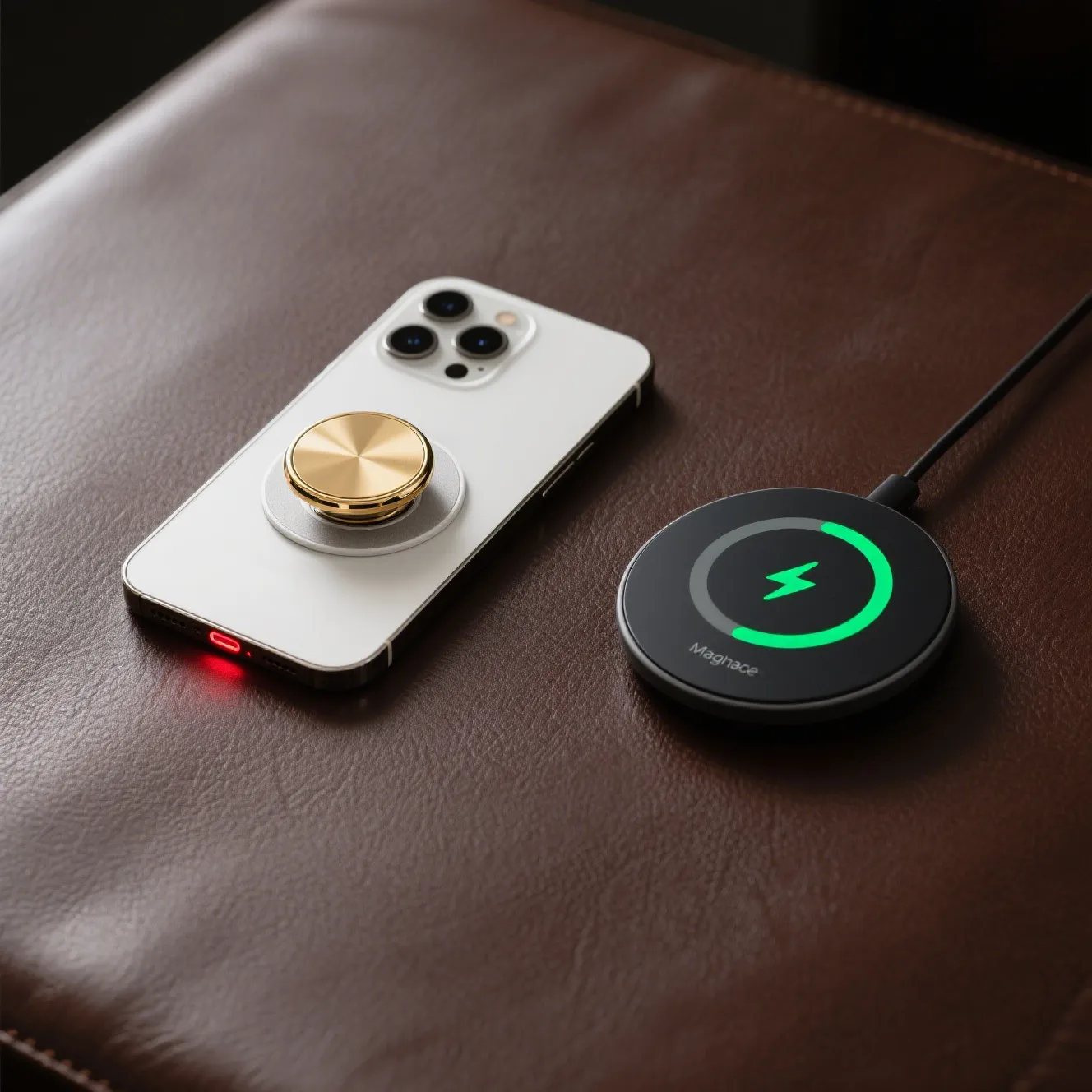
No residue: MagSafe designs come off cleanly for wireless charging—no sticky mess.
5. Reposition or Replace
Modern PopSockets can be gently lifted from the case and reset somewhere else (adhesive versions may lose grip after multiple moves, but “sticky power” can be revived—see below).
Pro Tip: Making a PopSocket Sticky Again
If your PopSocket won’t stay put anymore, wash the adhesive with warm water, let it fully air dry, and then reinstall for nearly-new grip.
2025 PopSocket User Questions—Answered
Will wireless charging work with a PopSocket installed?
-
MagSafe PopSockets: Pop them off easily for wireless charging—no struggle required.
-
Adhesive PopSockets: May need to be removed, but some users “float” the socket higher to leave the coil exposed.
What cases work best for a PopSocket?
-
Works on most flat, hard, smooth plastic, glass, silicone, and MagSafe-ready surfaces.
-
Avoid bumpy, textured, or highly silicone cases for best results.
Can I use a PopSocket on other devices (tablets, e-readers)?
-
Absolutely! Many users stick them on Kindles, iPads, or other gadgets for extra grip and propping up screens.
Is installation permanent?
-
Adhesive: Sturdy hold but can be removed without leaving marks on most cases. May lose tack after several removals.
-
MagSafe: Fully reversible and leaves no residue.
2025 Trends: Tech, Style, and Personalization
-
MagSafe Kick-Out Grips: Vertical video and hands-free selfie stands are hot this year.
-
More Designs: Custom, UV-protected, and limited-edition motifs drive purchases—over 60% of buyers cite unique style as their top reason for choosing one PopSocket over another.
-
Eco-Friendly Materials: Sustainable plastics and packaging are gaining traction.
How To Buy From a Reliable POD Factory Supplier
As a trusted POD (Print On Demand) factory supplier, we offer:
-
Exclusive designs—refresh your inventory or personal device.
-
Quality-controlled adhesives—no slipping, no peeling.
-
Bulk and custom solutions—perfect for business owners and creative brands.
-
Lightning-fast worldwide fulfillment—order and get it quickly.
Mastering how to install a PopSocket isn’t just about sticking something on your phone—it’s about unlocking convenience, creativity, and modern style. Follow these practical steps, experiment with positioning, and take advantage of the latest advances from adhesive to MagSafe. Whether you’re shopping for bulk branded accessories or a new favorite for your own phone, make every grip count!
FAQ
Q: Can I reuse a PopSocket after removing it?
A: Yes, particularly MagSafe versions. For adhesive PopSockets, revive the stickiness by gently cleaning the gel pad.
Q: How long does installation take?
A: Less than a minute for MagSafe, 1–2 minutes for adhesive types.
Q: Can children use PopSockets safely?
A: Yes! They’re ideal for smaller hands, making larger devices easier to hold and carry.
Q: Do PopSockets damage cases or phones?
A: Reputable brands with quality adhesives are designed to remove cleanly from most solid cases. Delicate or unfinished surfaces may require extra care.